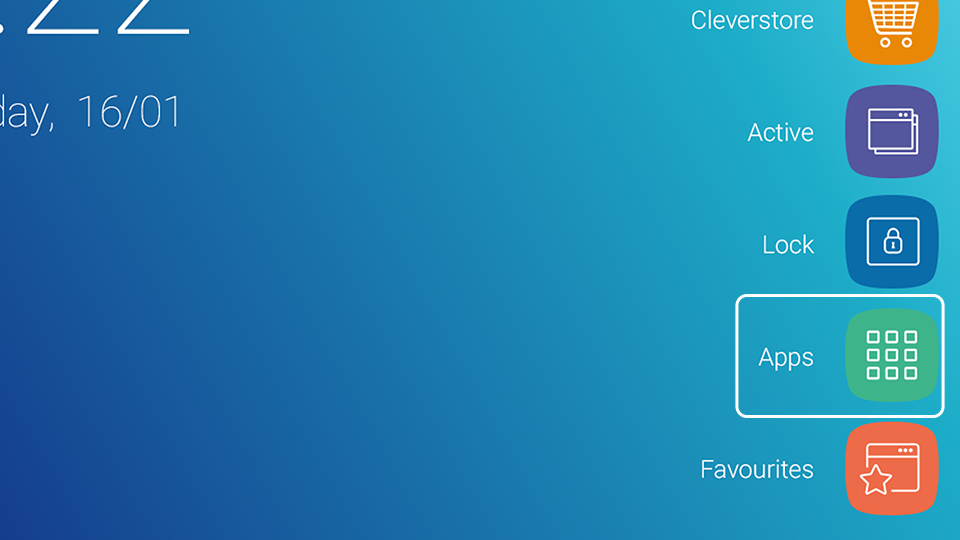
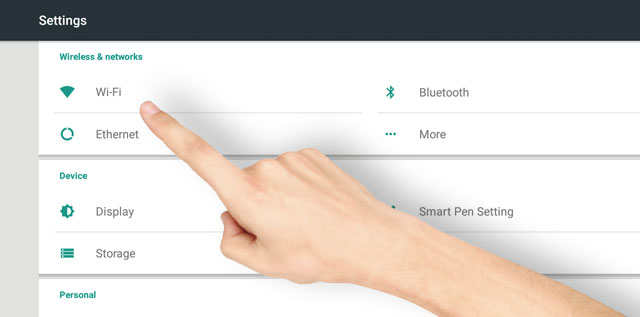
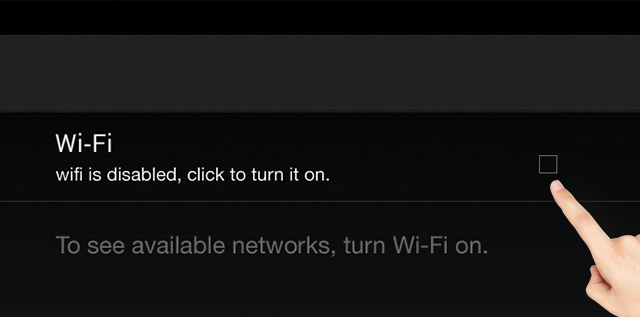
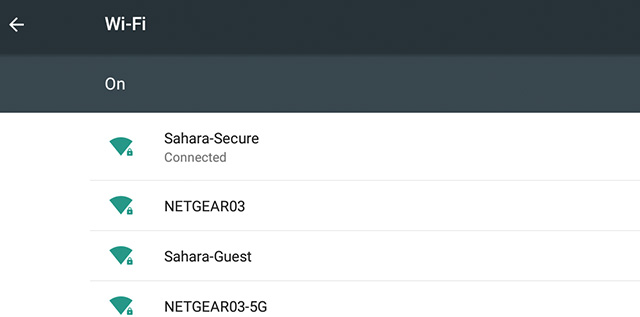
Clevertouch | Impact Plus 2 | How do I setup a Wi-Fi connection? Reno Bloodsaw 11 December 2024 16:37 Updated Follow Go to Apps then Settings Select ‘Wi-Fi Tick the box to enable Wi-Fi Available networks will be listed. Select one to connect Related articles Clevertouch | Impact Plus 2 | How to select 5 GHz Frequency? Clevertouch | Impact Plus Gen 2 | Firmware Release Notes - 10/12/2024 Clevertouch | Quick Tips | OTA Update will not update the screen Clevertouch | Impact Plus | How do I setup a Wi-Fi connection? Clevertouch | CM PRO | How do I access my advanced settings Comments 0 comments Please sign in to leave a comment.
Comments
0 comments
Please sign in to leave a comment.