
Video Here: https://youtu.be/wxWCDarIQkw
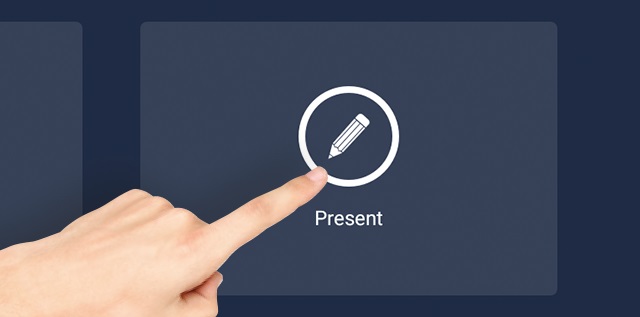
Insert USB Stick into bottom right corner of the screen, then press 'Select'
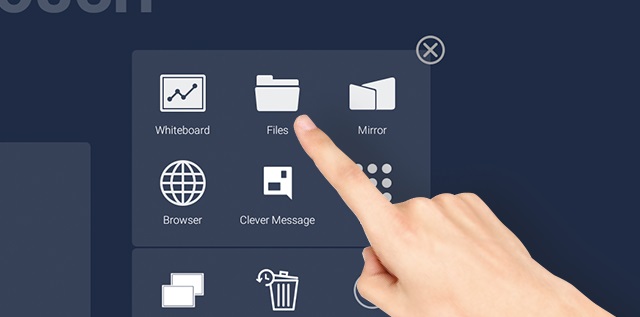
Go to 'Present' then 'Files

Then press 'Files'
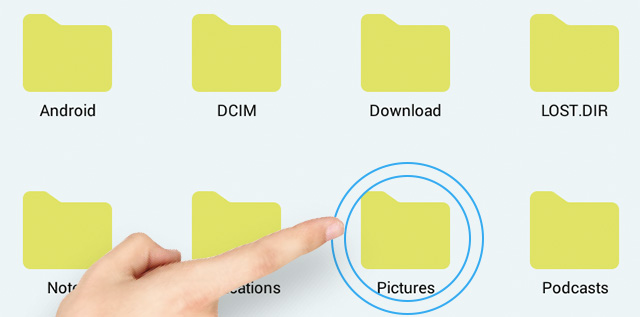
Double-touch on the file you want to open
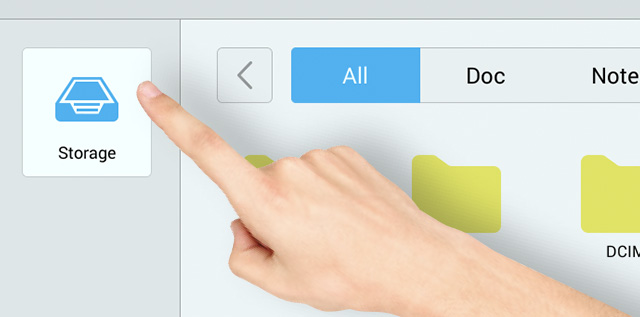
To move from USB storage to Screen Storage, click on ‘Storage’
Comments
0 comments
Please sign in to leave a comment.